
Home page shortcuts
In addition to the default set of shortcuts available on the PaperSave Home, you can create custom shortcuts for quick access to the areas in PaperSave or any other web page.
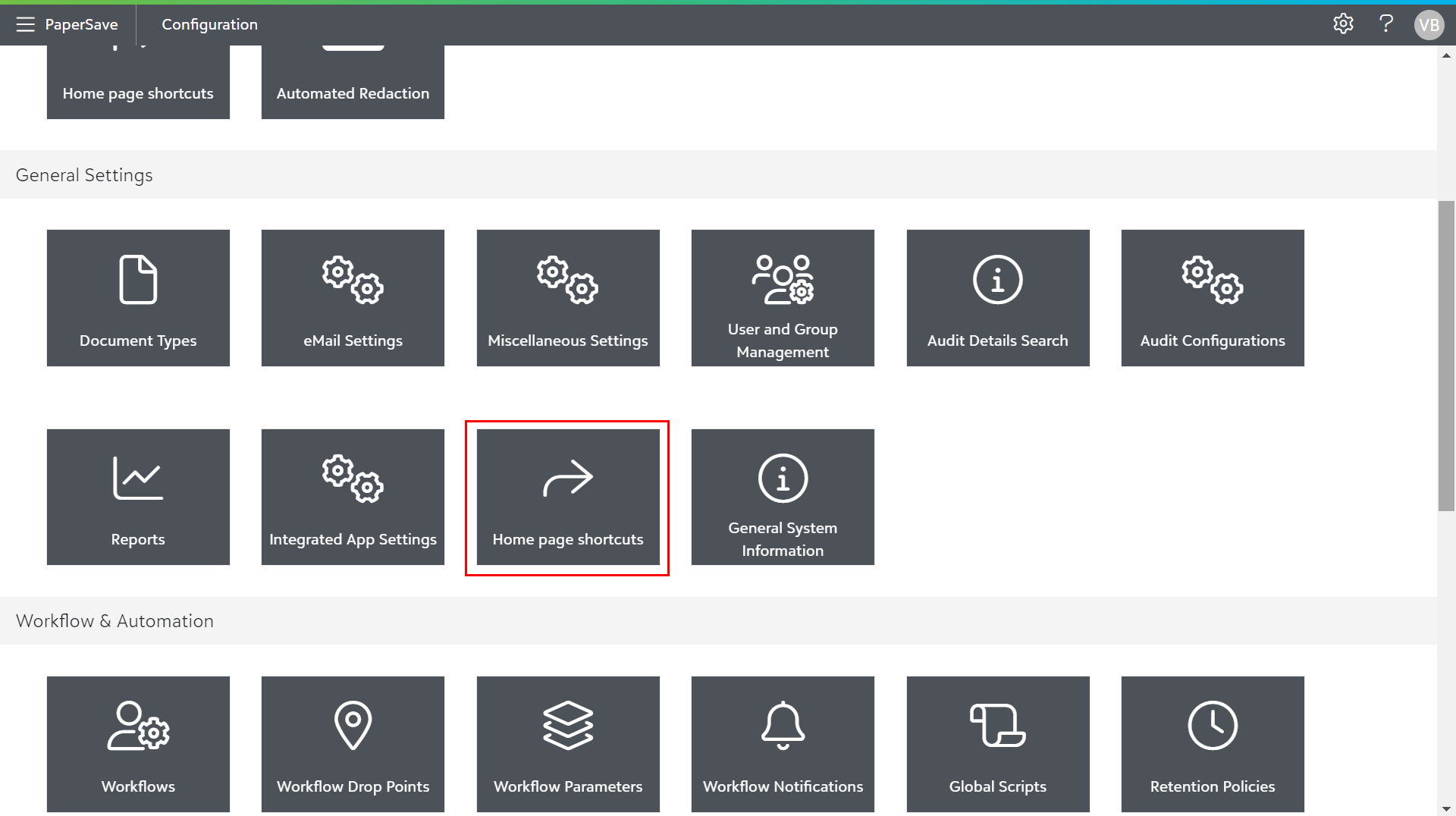
These custom shortcuts can be created by clicking on the "Home page shortcuts" tile in the General Settings section of the Configuration Area, and they can be accessed from the PaperSave Home.
The Home Page Shortcuts module allows you to configure the shortcuts for two different mediums:
1) Web
2) Mobile
Note: Currently, you can define Home page shortcut only for Web medium.
The following topics are covered in this section:
- Adding Home page shortcut
- Managing Home page shortcut
- Set Shortcut Order
- Deleting Home page shortcut